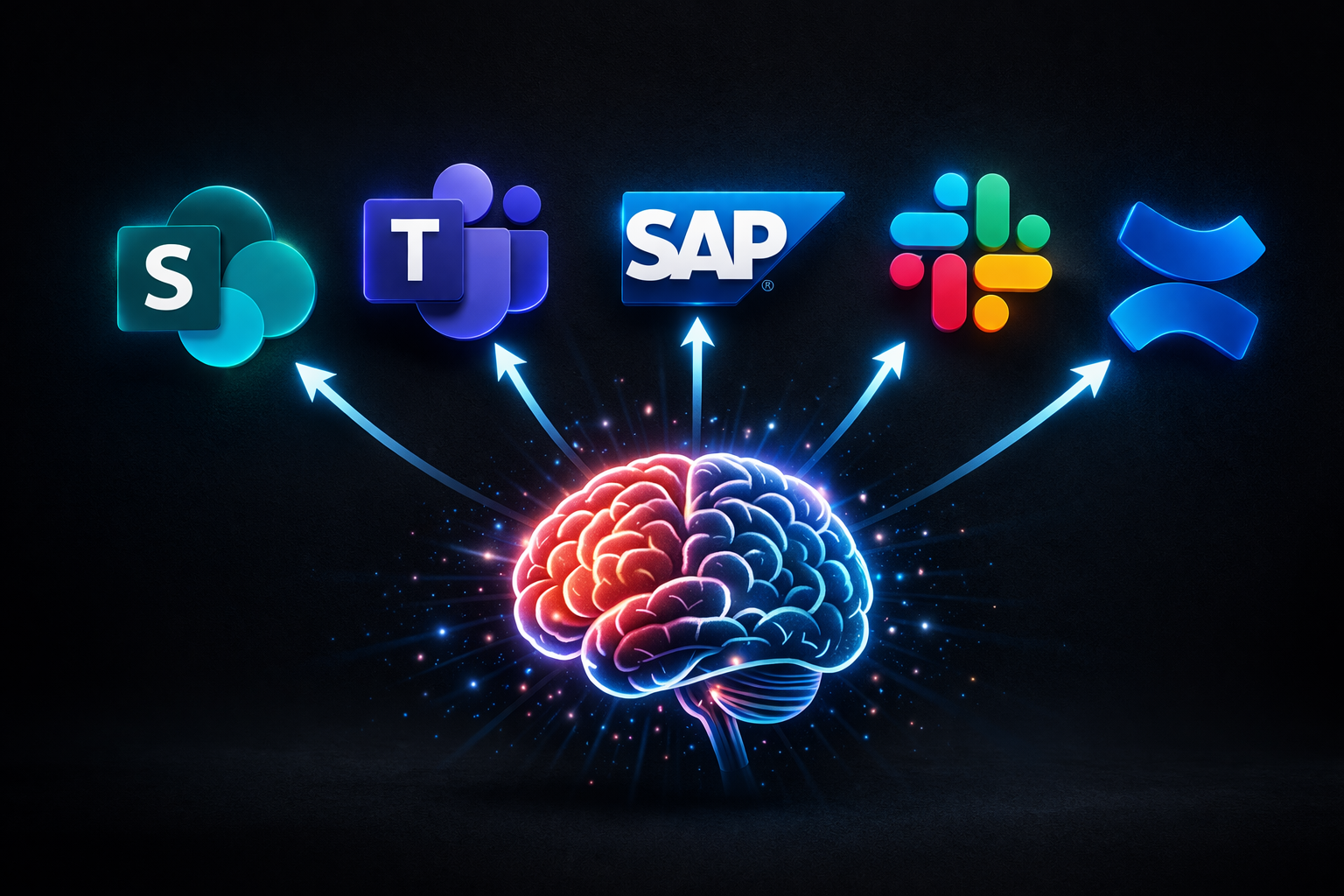
At a glance: AI-powered knowledge management makes enterprise knowledge across 40+ systems searchable, classifiable, and actionable. 83% of employees work with outdated documents because the right version is unfindable. AI-based enterprise search solves this.
McKinsey estimates that knowledge workers spend 19% of their work time searching for information (McKinsey Global Institute). For a 500-person company, that’s the equivalent of 95 full-time employees doing nothing but searching. The knowledge exists — it’s just trapped in SharePoint, Confluence, Salesforce, network drives, email inboxes, and the heads of employees who are about to retire. AI-powered knowledge management makes that knowledge accessible.
Why traditional knowledge management fails
Every company with more than 100 employees has a knowledge management problem. The symptoms are universal:
Data silos. Marketing lives in SharePoint, engineering in Confluence, sales in Salesforce, finance in SAP. Each system is an island. When a question spans two systems, nobody finds an answer.
Headcount. Traditional knowledge management requires people to run it — knowledge managers, editors, taxonomy specialists. In many organizations, that’s half a department or more: curating content, maintaining structures, assigning metadata, retiring outdated documents. Companies that can’t justify that headcount simply don’t do it. AI-powered platforms change this equation: automatic tagging, classification, and duplicate detection replace the manual effort. What used to require a team can now be handled by a single person as a side responsibility.
Outdated versions. 83% of employees regularly work with outdated document versions (IDC, 2024). Not because they’re careless — because the current version is unfindable. The contract draft exists in three versions across three drives, and nobody knows which one is final.
Knowledge loss. When experienced employees leave, institutional knowledge walks out the door — process knowledge, customer history, decision rationale. No wiki and no handover captures all of it.
Search doesn’t work. SharePoint search only finds SharePoint content. Confluence search only finds Confluence pages. A unified search across all enterprise systems simply doesn’t exist in most organizations.
What AI changes about knowledge management
AI-powered knowledge management goes beyond full-text search. Four core capabilities:
1. Semantic search
Traditional search is keyword-based: you find “PTO request” only if the document contains those exact words. Semantic search understands meaning: a search for “How do I request time off?” also finds the document titled “Q4 2025 Absence Policy” because the AI recognizes the conceptual connection.
See semantic search in action:
2. Automatic classification and tagging
AI reads documents and assigns metadata automatically: topic, department, confidentiality level, document type. What takes humans hours, AI handles in seconds — across thousands of documents. Duplicates and outdated versions are detected and flagged.
3. Summarization and extraction
“Summarize the key changes in the new vendor agreement.” “What compliance requirements apply to our product in California?” AI extracts answers from lengthy documents without anyone having to read 50 pages.
4. Automatic distribution — getting knowledge where it’s needed
Finding isn’t enough. The real question: What happens when a new safety directive is issued? When a product recall affects all locations? When a compliance update needs to reach every employee within 48 hours?
Traditional knowledge management says: “We posted it in the wiki.” AI-powered knowledge management says: “We formatted it for the right channel and delivered it to the right people — automatically.”
In practice: Information is approved once. The platform identifies who needs it (by department, location, role), formats it for each channel (short version for digital signage, long version for email, notification for Slack/Teams), and delivers it at the right time. Production workers without a PC see it on the screen in the break room. Knowledge workers get it in Slack. Executives receive an email digest.
Why this matters for headcount: Without automatic distribution, someone has to manually adapt and send every message to every channel — for every location, every language, every audience. That’s a full-time role no mid-size company wants to fund. With automated distribution, the platform handles it. The human approves — the AI distributes.
AI knowledge management: The options
| Solution | Data sources | Hosting | Strength | Weakness |
|---|---|---|---|---|
| Microsoft Copilot | Microsoft 365 only | Cloud (US) | Deep M365 integration | One ecosystem only |
| Google Gemini | Google Workspace only | Cloud (US) | Strong summarization | Google data only |
| Elastic/OpenSearch | Any (API) | On-premise possible | Flexible, open source | Requires dev team |
| On-premise AI platforms | 40+ systems | On-premise | Broad connectivity, full data control | Upfront investment (cheaper per seat than cloud above 200 users) |
For companies whose knowledge spans more than one ecosystem — and that’s most of them — a cross-platform solution is the only path forward.
Real-world example: Knowledge management in a mid-size manufacturer
A mid-size industrial company with 600 employees across 4 locations:
Before:
- Technical documentation in Confluence (12,000 pages)
- Contracts and purchase orders in Salesforce
- Project files on network drives (200 TB)
- Internal communication in Teams and email
- Average search time per employee: 1.5 hours/day
After (with on-premise AI platform):
- All sources searchable through one semantic search interface
- Automatic classification of new documents
- Duplicate detection across system boundaries
- Multilingual search without manual translation
- Automatic distribution of critical updates to digital signage, Slack, and email
- Estimated time savings: 45 minutes per employee per day
For 600 employees at an average loaded cost of $75/hour, that translates to six-figure annual savings — even if only a third of employees search daily. The investment in on-premise AI pays for itself within the first year.
Unlock your enterprise knowledge — without the cloud contboxx Vault connects to 40+ systems, makes your knowledge base searchable, and distributes critical information automatically. On-premise, fully under your control.
5 steps to AI-powered knowledge management
1. Inventory
Where does your enterprise knowledge live? Which systems are in use? Which are critical, which redundant? This analysis typically takes 1–2 weeks.
2. Choose a platform
Decide based on three criteria: Which data sources need to be connected? How sensitive is the data? How many users? For companies handling sensitive data — contracts, HR records, IP — on-premise platforms eliminate the compliance overhead of cloud solutions.
3. Start a pilot
Begin with a clearly scoped use case — e.g., technical documentation or contract database. 20–50 test users, 4–6 weeks duration.
4. Feedback and adjustment
Which queries work well, which don’t? Where are data sources missing? This phase is critical for user adoption.
5. Rollout and training
Scale incrementally to all users. Employees need to understand how the system works and where its limitations are.
What AI knowledge management can’t do
Honesty matters. AI-powered knowledge management has limits:
Tacit knowledge. AI finds what’s documented. The experience of a 20-year engineer that was never written down can’t be surfaced. Solution: knowledge transfer programs where senior staff document their expertise — AI then makes that documentation searchable.
Data quality. Garbage in, garbage out. If your documents are unstructured, outdated, or contradictory, AI search will reflect that. An initial cleanup before AI deployment is worthwhile.
Permissions. AI shouldn’t show everything to everyone. HR records, salary information, confidential board documents need access restrictions. Good platforms inherit permissions from source systems — but the setup needs careful review.
Hallucinations. Language models can generate plausible-sounding but incorrect answers. For critical decisions (legal, financial, compliance), human verification is always required. The best platforms show source references so users can verify answers.
Frequently asked questions
Can AI really search across all enterprise systems?
Yes — through connectors. Modern platforms offer integrations for 20–40+ systems: SharePoint, Confluence, Salesforce, Slack, Teams, network drives, email servers. Prerequisite: the platform needs network access to the source systems.
How long does it take to implement AI knowledge management?
With turnkey on-premise solutions, 4–6 weeks to a productive pilot. With self-hosted open-source models, 3–6 months depending on IT capacity and number of data sources.
Is AI knowledge management compliant with data privacy regulations?
Depends on the architecture. Cloud-based solutions transmit data to external providers — that requires data processing agreements and potentially cross-border transfer safeguards. On-premise AI processes everything locally and eliminates these risks entirely.
Conclusion
AI-powered knowledge management isn’t futuristic — it’s the logical answer to a problem every growing company has: knowledge exists, but nobody can find it. And even when they find it, nobody distributes it to the people who need it most.
The technology is mature. The question is no longer whether, but how fast.
Start today, save hours per employee per day tomorrow. Wait, and keep losing knowledge to system boundaries and departing colleagues.
AI in the office — 8 applications that save time → | Knowledge loss in the enterprise →