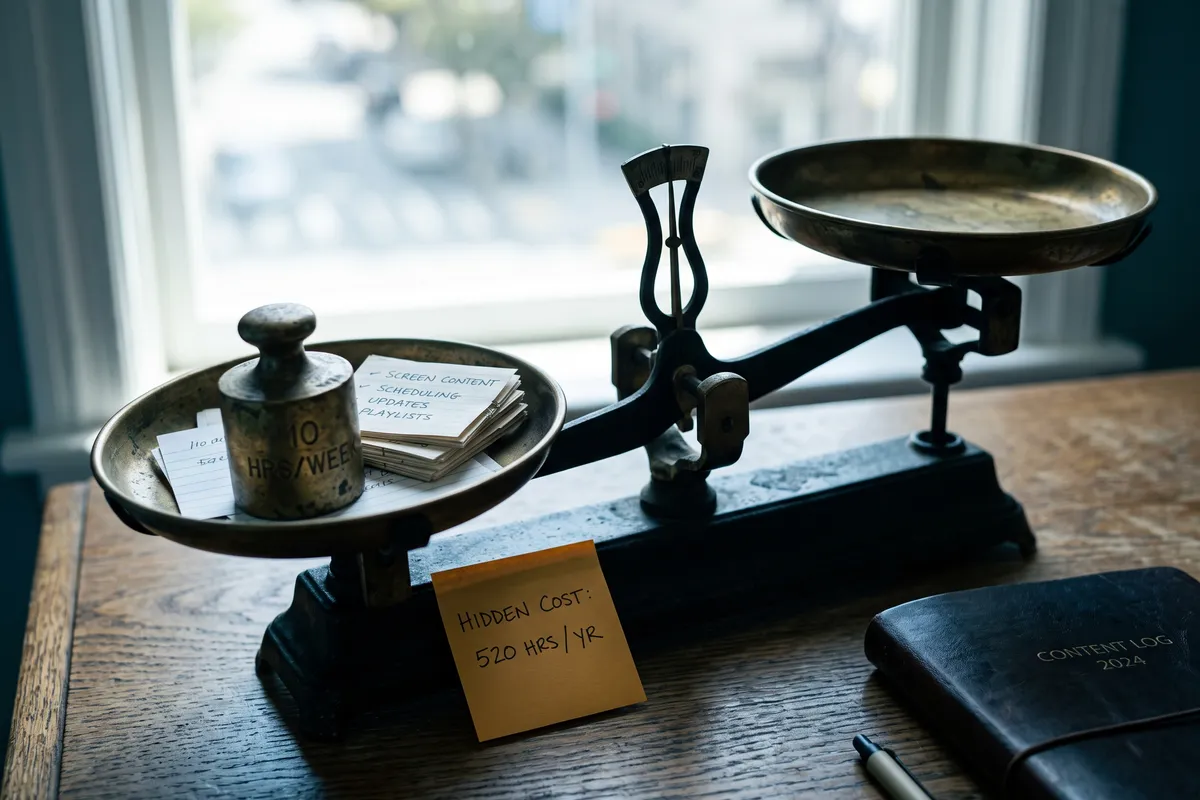
Ask someone who manually manages a digital signage network how long it takes — they’ll say “not that long, a few hours a week.” Ask them next how often the content is actually current, and the answer gets more honest: not often.
That’s the core problem with manual signage content. The effort is substantial. The result is still unsatisfying. Because the system doesn’t scale.
What manual content management actually looks like
Anyone running screens without automation goes through the same loop for every cycle:
Find topics. Someone has to research what’s current, identify relevant news, and decide what fits each location. A hotel and a manufacturing site don’t share the same playlist.
Prepare content. Found items have to be cut down for screen — text shortened, image sourced (copyright-clean), layout adapted. Nothing complex individually. All of it takes time.
Approval. Most organisations want comms, compliance, or management to sign off on new content. Another round before anything ships.
Upload and schedule. Finished content gets uploaded to the signage software, assigned to the right screens, scheduled on the right rotation.
Monitor and clean. Outdated content has to be pulled. A Christmas slide running in March. An event notice three weeks after the event. Someone has to notice.
Steps 1–5 for a single update: 30 to 90 minutes. For a network meant to stay fresh: multiple times per week.
The actual numbers
A 10–20 screen network managed professionally and manually realistically takes 8–12 staff hours per week — usually distributed across roles.
| Task | Time per week |
|---|---|
| Content research | 2–3 h |
| Preparation (text, image, layout) | 3–4 h |
| Approval process | 1–2 h |
| Upload, scheduling, distribution | 1 h |
| Monitoring, cleanup | 1–2 h |
| Total | 8–12 h |
At an internal rate of $80–100 per hour for a senior marketing or comms profile:
- 10 h × $90/h = $900/week
- 50 weeks = $45,000 per year
That’s the staff-cost equivalent for daily operation of a screen network — for content that still looks outdated half the time, because production and publication never quite catch up to each other.
For the full TCO breakdown: Digital signage content cost comparison.
The real problem isn’t time — it’s scale
Manual management has a structural scalability problem.
One screen in reception, manually managed: 2 hours a week. Five screens at different sites: 8 hours. Twenty screens across cities: theoretically 30+ hours, if the content is supposed to be genuinely location-specific.
And location-specific isn’t a luxury. A hotel in Munich cares about different local items than one in Hamburg. Patients in a Berlin clinic have different relevance filters than ones in Stuttgart. Content that’s the same everywhere feels specific to no one — and that’s what most multi-site networks default to, because the manual workflow can’t do it any other way.
The endgame: at some point, the team gives up and lets old slides run because updating isn’t manageable anymore. The screens stay on. Nobody updates them. Everyone gets used to it.
What good screen content actually requires
Smartphone and tablet experience has raised the bar. Static slides from two weeks ago feel like a step backward compared to the live feeds people are used to.
What screens should deliver now:
- Same-day content — news and information from the current day
- Venue relevance — content matching the specific location and audience
- Multilingual — internationally oriented venues need content in their visitors’ languages
- Constant rotation — the same three slides on infinite loop stop being noticed in week one
None of this is achievable with manual management at reasonable cost.
What automation takes over
An AI content engine takes over the daily content supply. Concretely:
No daily content hunt. The engine monitors 266 configured sources continuously, filters for relevance against the venue type, and generates fresh items daily.
No preparation step. Generated content is screen-ready: text at the right length, multilingual on demand, no copyright issues attached.
No watching for stale items. Dynamic TTL — 12 hours for breaking, 30 days for evergreen — pulls outdated content from rotation automatically. The Christmas slide in March doesn’t happen.
Manual input still works. Strategically important content — announcements, events, campaigns — gets pushed through the contboxx.com integrations page with priority over the automated layer. After the priority window expires, the automated rotation resumes.
How the full workflow is wired: Digital signage content automation.
What does your current effort cost?
Quick calculation: manual content management vs. Atlas
Screens that keep themselves fresh contboxx delivers licensed news and AI-generated content to your displays, fully formatted — multilingual, automatic, no editorial effort.
Frequently asked questions
How long until Atlas independently delivers content?
Onboarding is self-service via contboxx.com: pick a subscription, the API key is provisioned automatically after Stripe payment. On the integrations page you pick channels and delivery format (REST API, RSS 2.0, JSON Feed, or HTML Widget). Once the feed URL is dropped into your screen player, content delivery runs without further daily intervention.
Can I still add my own content?
Yes. Manual input stays fully available through the contboxx.com integrations page. In-house announcements, special offers, event notices ship with priority and override the automated layer for the defined window. After the priority window expires, the automated rotation refills the slot — no one has to remember to clean up.
What happens if there's no current news on a configured topic?
The pipeline fills gaps from other configured categories — wellness, culture, regional information, evergreen background. Empty screens don’t happen. The mix logic is defined in the venue profile and can be retuned at any time when priorities shift, without restarting anything.
Can the degree of automation be controlled?
Yes. You decide what share of screen time runs automatically and which categories get priority. A company might allocate 70% to automated background content and reserve 30% for manually entered corporate communications. Those ratios can be configured differently per venue, time of day, and weekday — the venue profile carries that scheduling.
Does it really save 10 hours a week?
On average, manual effort drops to 1–2 hours a week for strategic inputs and oversight. The automated portion — research, preparation, scheduling, monitoring — disappears. In honest reporting, the reclaimed time usually flows into higher-value communications work rather than headcount reduction. That’s still a meaningful operational shift, especially for teams that were quietly drowning in screen pickup.