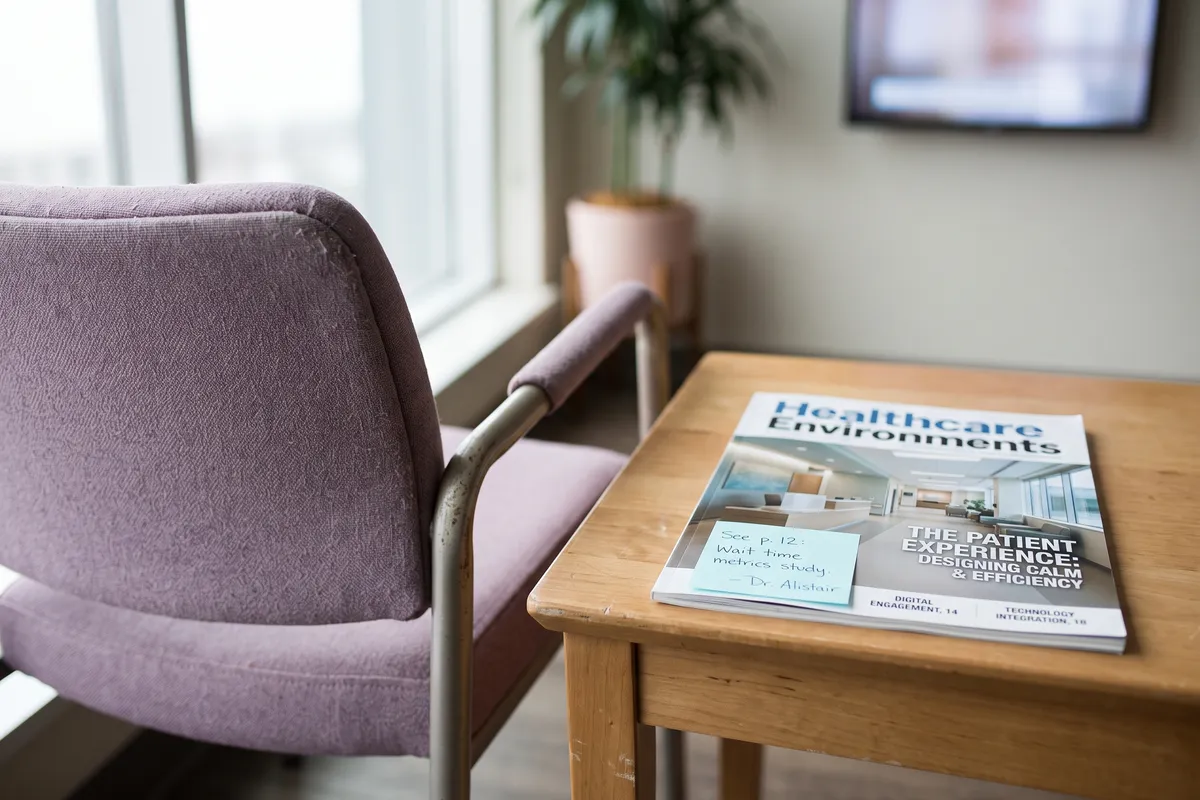
The average patient spends 23 minutes in a GP waiting room. Enough time to read the same leaflet three times, check the clock five times — or, with the right screen content, leave feeling slightly better informed and somewhat less anxious. Digital signage waiting-room screens aren’t a luxury upgrade. They’re an opportunity to make an already difficult experience a bit more human.
The difference lies in the content. And in the question of who keeps it current every day.
Why waiting-room screens often underperform
Installing the screen is easy. Keeping it stocked with relevant, current content is where the project quietly fails. The pattern in practice:
- A practice manager or staff member loaded a few health tips months ago
- The same slides have been cycling ever since, growing more outdated
- Occasionally someone adds a notice about a new consultation hour
- The result: a screen that neither informs nor calms, just exists
The problem isn’t lack of interest — it’s lack of time. A practice has no editorial resources. Screen maintenance competes with patient care, documentation, and admin, and it routinely loses.
What patients in waiting rooms actually need
A patient in a waiting room is in a specific emotional state:
- Concerns (health, diagnosis, treatment)
- Time but no meaningful engagement
- Need for orientation (what happens next? how long?)
- Receptive to relevant health information
A screen can address all of this — but not with generic news feeds or stale image slides. The right content for a waiting room is:
Calming. Tone, imagery, and topic selection lower stress, not raise it. No disaster coverage, no disturbing themes.
Informative. Practice information, treatment backgrounds, seasonal health tips — content that prepares or follows up on the visit.
Distracting. Positive, easily consumable items that shorten perceived time — local events, nature, short science pieces.
Transparent. Where possible, information about wait time or the next step in the process. Single most valuable piece of information for the room.
The automated approach: how Atlas powers clinic screens
Atlas ships a preconfigured “Healthcare” venue profile designed for medical practices and clinics:
Source selection. Out of the 266 sources, only healthcare-relevant and generally calming content is selected. No accident coverage, no crime news, no divisive political content.
Tone configuration. Generated content is deliberately calm, positive, and non-alarmist. No sensationalist framing.
Content channels:
- General prevention and health tips (seasonally adapted)
- Relaxation and nature content
- Local, positive news and events
- Short-form science items at accessible level
- Practice/clinic specific items (manually supplemented)
Exclusions. Automatically filtered out: accidents, crime, controversial politics, alarming medical statistics, non-medical commercial advertising.
Specialty-specific configuration
Different specialties have different content needs:
General practice / internal medicine. Broad scope: heart health, diabetes prevention, nutrition, physical activity, seasonal cold and flu prevention.
Cardiology. Heart health, exercise, heart-healthy diet, stress management. No alarming heart-attack statistics.
Orthopedics. Back prevention, movement recommendations, sports advice, ergonomics tips.
Gynecology. Women’s health, prevention, family themes, well-being.
Pediatrics. Child-friendly content, family themes, developmental milestones — appropriate in both visuals and language.
Dentistry. Oral hygiene tips, diet advice for dental health, calming visuals — particularly important since dental anxiety is widespread.
The venue profile is configured once on contboxx.com and stays in effect indefinitely; adjustments are made when the specialty mix changes or a new exclusion proves necessary.
Integration with existing practice workflows
A waiting-room screen isn’t a replacement for a practice management system — it complements it. Sensible integrations:
Wait-time display. If the PMS provides a data feed for the current queue, it can be shown as an overlay or separate element. This is the single most valuable piece of information in the room.
Practice-specific updates. New consultation hours, holiday periods, new services, staff updates — pushed through the contboxx.com integrations page with priority over the automated content.
Form reminders. Notices about specific forms or preparations can be temporarily prioritised.
For how AI systems integrate into organisational workflows: AI in the office.
Privacy in the clinical waiting room
Clear privacy requirements apply:
- Screens must not display patient data — no name, room number, or treatment information on surfaces visible to other patients
- If queue-call systems are integrated, they must work anonymously (numbers, not names)
- The content engine itself must not process patient data
Atlas processes no patient data — it’s a pure content generation engine with no user-profile function. More on the privacy frame: GDPR-compliant AI.
The economic case
For a practice or clinic, an automated content system pays off on several levels:
Time saved. No weekly maintenance. At 30 minutes per week saved, that’s 26 hours per year — time that flows back into patient care or admin that previously got pushed.
Satisfaction improvements. Patients who feel well looked after in the waiting room rate practices more positively on review platforms. In a competitive market for medical practices, that’s a differentiating factor.
Compliance posture. A system that automatically excludes problematic content reduces the risk of an inadvertent false health claim landing on the screen.
Illustrative scenario: internal medicine group practice
How a three-room practice reworked its waiting-room screen
Illustrative, not a customer reference.
Baseline: a waiting-room screen running the same practice slides and generic health tips for two years. Patient feedback: “seen it a hundred times.” The practice management system offered a wait-time interface, but it was unused.
With Atlas: a waiting-room profile focused on general health, regional events, weather, and calming topics (no disease specifics, no political content). Wait-time display integrated from the PMS: “Mrs. Müller, you’re next in about 8 minutes.” Practice-specific items (holidays, vaccination offers) prioritised manually.
Effect: patients comment positively on the content, perceived wait time drops, and the practice manager only enters specific items rather than the daily mix.
Screens that keep themselves fresh contboxx delivers licensed news and AI-generated content to your displays, fully formatted — multilingual, automatic, no editorial effort.
Frequently asked questions
How often is content updated on a clinic waiting-room screen?
Daily. The system generates new content from current sources every day. The on-screen rotation is configurable (typically a full cycle every 4–8 hours). Waiting patients don’t see the same content repeatedly, which measurably shortens perceived wait time — the single most-cited patient-experience effect on signage in clinical contexts.
Can I exclude content I don't want on my screens?
Yes. The venue profile includes a block-list for topics, keywords, and sources. Content you do not want displayed — specific conditions, political themes, commercial advertising, disease symptoms — can be permanently excluded. The list can be extended whenever a new topic proves inappropriate in practice.
Can pharmaceutical advertising be shown on waiting-room screens?
Technically possible, legally highly sensitive. Pharmaceutical advertising is subject to strict regulation (in Germany, the HWG; in the US, FDA rules) and typically cannot be directed at lay patients for prescription drugs. The Healthcare venue profile excludes commercial pharmaceutical advertising by default to avoid compliance risk.
How does the system respond during health crises (e.g., outbreaks)?
The system can respond quickly to changed requirements — either by manually deactivating certain channels or by temporarily prioritising manually submitted crisis communications (hygiene guidance, mask mandates, appointment rescheduling). For critical communication phases, a manual override with priority practice-specific content is the recommended path.
Can Atlas manage screens across a clinic with multiple locations centrally?
Yes. Multiple locations can be managed under one Atlas account with location-specific profiles — for instance, a shared profile for general medicine and distinct profiles for specialised departments (pediatrics, geriatrics, oncology). Central control and site-specific customisation work in parallel without separate accounts per site.