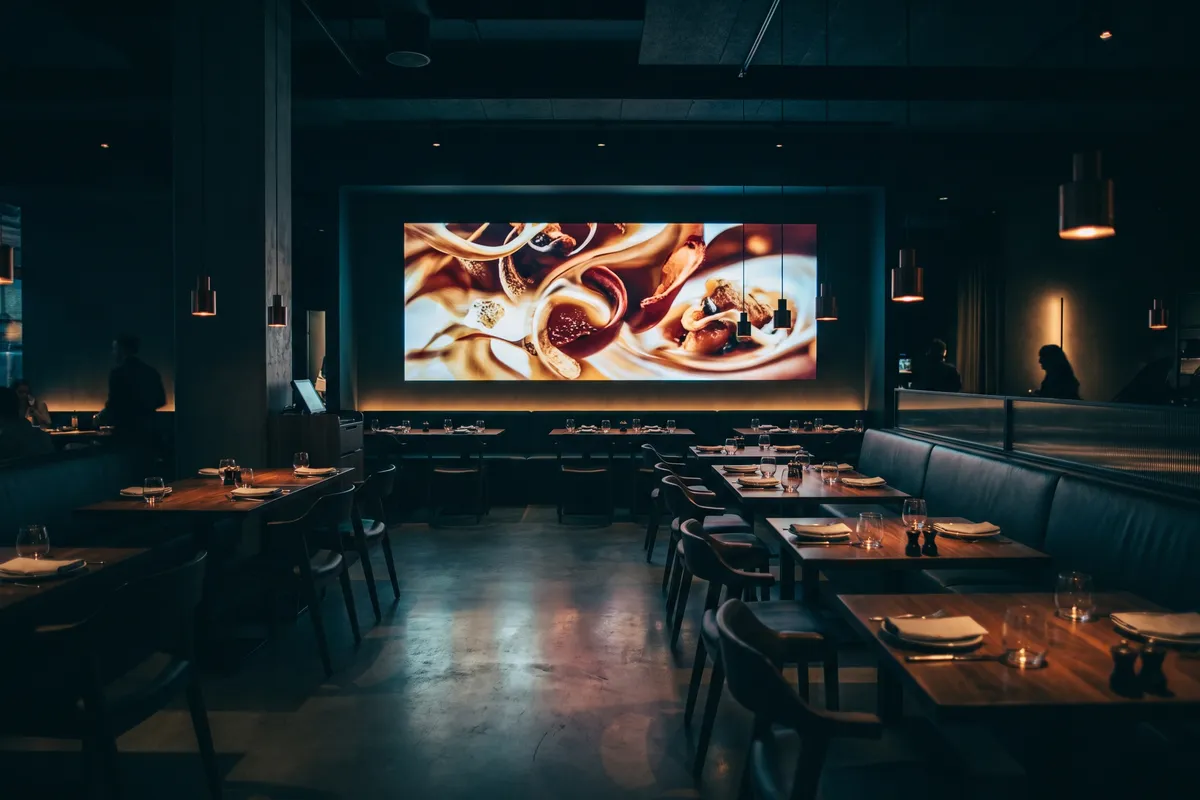
A restaurant owner described the problem precisely: “We installed the screens two years ago. For the first three months I updated them regularly. Then came the summer rush, then the renovation, then staff turnover — and now the screens still show the Christmas menu from 2024.”
That isn’t an isolated case. Restaurant digital-signage content management routinely fails — not because of technology, but because of the reality of hospitality operations. There’s no slack in the daily schedule for content maintenance.
AI-generated content changes the structure of the problem. Here’s how.
Why content management in hospitality fails
Hospitality is operationally intense. Coordinating kitchen, service, procurement, and guest experience leaves little room for tasks that get done “when there’s time” — and screen content sits squarely in that category.
The typical spiral:
- Screens are installed, maintained with enthusiasm initially
- Operational pressure rises, content updates get deferred
- Screens show stale content — staff occasionally switch them off out of embarrassment
- The original investment stops being used
Root problem: manual content management isn’t a task that fits into hospitality reality. The solution has to work without manual intervention.
What automated restaurant content actually delivers
An AI content engine for restaurant screens generates daily content from several source types:
Seasonal and culinary themes:
- Current food trends and culinary backgrounds
- Seasonal ingredients and matching dishes (asparagus in spring, game in autumn)
- Wine knowledge and pairing tips
- Provenance stories for ingredients (“Our wheat comes from local farms”)
Local and regional information:
- City events and cultural happenings nearby
- Local news and stories
- Weather and seasonal atmosphere
Restaurant-specific content (manually supplemented or automated):
- Daily menu (via POS integration or manual upload)
- Weekly specials and recommendations
- Event announcements
The difference from manual management: the second category runs fully automatically. The third needs occasional input — but not daily input.
Menu board: automation and manual control together
Common misconception: “If everything runs automatically, I lose control of my brand message.”
It doesn’t work that way. Automated content and manual control aren’t in conflict:
What the AI handles:
- The daily “framework” — local news, culinary backgrounds, seasonal atmosphere
- Constantly fresh, relevant fill content that keeps the screen alive
What the operator controls:
- The venue profile: which topics, which tone, which languages
- The block list: which topics should never appear
- Own content: daily specials, events, featured recommendations — prioritised when submitted via the contboxx.com integrations page
- The timing: breakfast content in the morning, dinner recommendations in the evening
The screen runs without daily intervention. When the operator wants to communicate a special event, they push it at any time through the integrations page — but they don’t have to.
Time-of-day scheduling
Restaurant screens benefit especially from time-based content:
Breakfast (7–11):
- Breakfast offerings and morning inspiration
- Today’s weather
- Light morning news (positive tone)
Lunch service (11–14):
- Lunch specials and daily offerings
- Short culinary backgrounds (“Where does our lunch special come from?”)
- Evening city events preview
Afternoon / coffee (14–17):
- Coffee and cake offerings
- Relaxed lifestyle content
- Evening programme preview
Dinner service (17–23):
- À la carte highlights and chef’s recommendations
- Wine pairings matching the menu
- After-dinner activities in the neighbourhood
This scheduling runs automatically — no one needs to switch it on in the morning or reconfigure it in the evening.
Legal considerations for restaurant screens
Restaurant operators filling screens with content need to know two legal aspects:
Copyright. Images, texts, and music without licensing can be costly. Music licensing fees for background music, image rights for stock photos, text rights for wire content — it adds up. AI-generated content without source text reproduction eliminates the text problem structurally. Legal distance and AI-generated content.
Price-display regulations. When screens show prices (daily menus, weekly specials), they must match the actual menu. Outdated prices on screen can be classified as misleading advertising. Either automate price integration via the POS feed, or deliberately exclude prices from the automated content layer.
Multilingual for international guest groups
In tourist-heavy restaurants or urban locations with international audiences, multilingual content is a quality marker. The engine generates restaurant content in up to 15 languages — the British tourist, the Japanese traveller, and the Spanish business guest can all see content in a language familiar to them.
That’s not a translation workflow — the engine writes directly in the target language. First batch in a newly activated language can take up to 24 hours; after that, every new published item ships in all active languages in near real time.
For the broader multilingual context: Multilingual digital signage hotel.
What a restaurant operator gets from Atlas
- Daily current content without manual effort
- Time-of-day scheduling for breakfast, lunch, and dinner
- Seasonal content mix with culinary backgrounds
- Local relevance through regional source integration
- Multilingual capability for international guests
- Control surface for own content and event submissions via the contboxx.com integrations page
- Exclusion profiles for unsuitable topics
Illustrative scenario: restaurant with two distinct service phases
How an urban restaurant separated breakfast and evening screen content automatically
Illustrative, not a customer reference.
Setup: three screens — two in the dining area, one at the entrance. Service concept: breakfast and café in the morning, à la carte with wine list in the evening.
Atlas configuration: time-based profiles. 7–11: breakfast highlights, local news in lighter tone, seasonal produce. 17–23: culinary backgrounds on the menu and wine, evening city events. Own content (daily specials) uploaded manually and prioritised.
Weekly effort: enter the daily menu (10 minutes). Atlas handles the rest. Noticeable effect: higher guest attention, more frequent inquiries about featured wine pairings.
Screens that keep themselves fresh contboxx delivers licensed news and AI-generated content to your displays, fully formatted — multilingual, automatic, no editorial effort.
Frequently asked questions
Do I need to enter content daily as a restaurant operator?
No. The engine generates new content automatically every day from configured sources — news, local events, wine and culinary topics, weather. You only intervene when you want to communicate specific content like daily specials, events, or personalised greetings — that’s optional, not required for daily operation.
How do I integrate my own daily menu into the screen content?
Two options: integration via your POS feed (if your POS exposes one) or manual upload of the daily menu through the contboxx.com integrations page. Both work as additions to the automated background content and can be combined — the POS feed for prices and dish names, manual upload for a “special of the day” highlight.
What if I don't have a budget for an AI content engine — are there cheaper alternatives?
Cheaper alternatives (manual management by staff, free RSS feeds) have structural disadvantages: either high maintenance overhead with corresponding labour costs, or legal risk from unlicensed content. A comparison over 1–2 years usually shows the engine costing well below the value of saved staff time — and without the residual legal risk of unlicensed feeds.
Can the engine also display food photography?
The engine generates text content. For image content, integrating your own image repository — professional restaurant photography or royalty-free culinary imagery from clearly licensed stock sources — is the right approach. The combination of generated text and your own visuals delivers the complete screen content: text from the engine, images under your own control.
How long does setup take for a restaurant?
Setup is self-service via contboxx.com: pick a subscription, select restaurant-appropriate channels and language, drop the feed URL into your screen CMS. Multiple locations can run under one account with different channel mixes per site, configured independently on the integrations page.